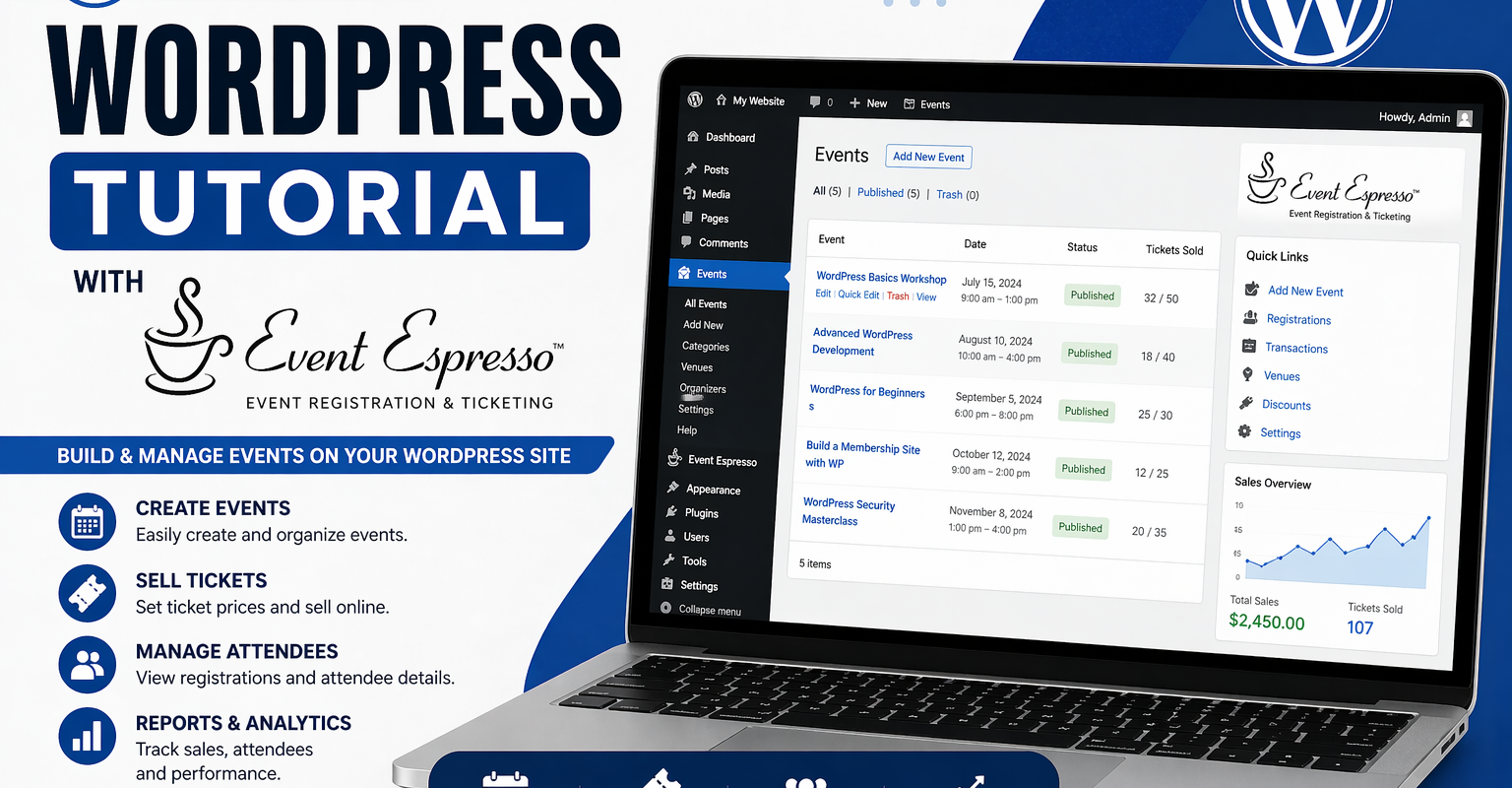

Event Espresso is good at what it’s designed to do.
It handles registrations, tickets, and payments inside WordPress.
Where most setups fall short is everything that happens after someone registers.
That’s where people start trying to stretch Event Espresso beyond its role, and things get messy.
The mistake most people make
They try to use Event Espresso for everything.
- confirmations
- reminders
- follow-ups
- marketing emails
- repeat engagement
It can handle some of this. But it’s not designed to manage the full lifecycle of a customer.
That’s what a CRM or email platform is for.
Think in systems, not features
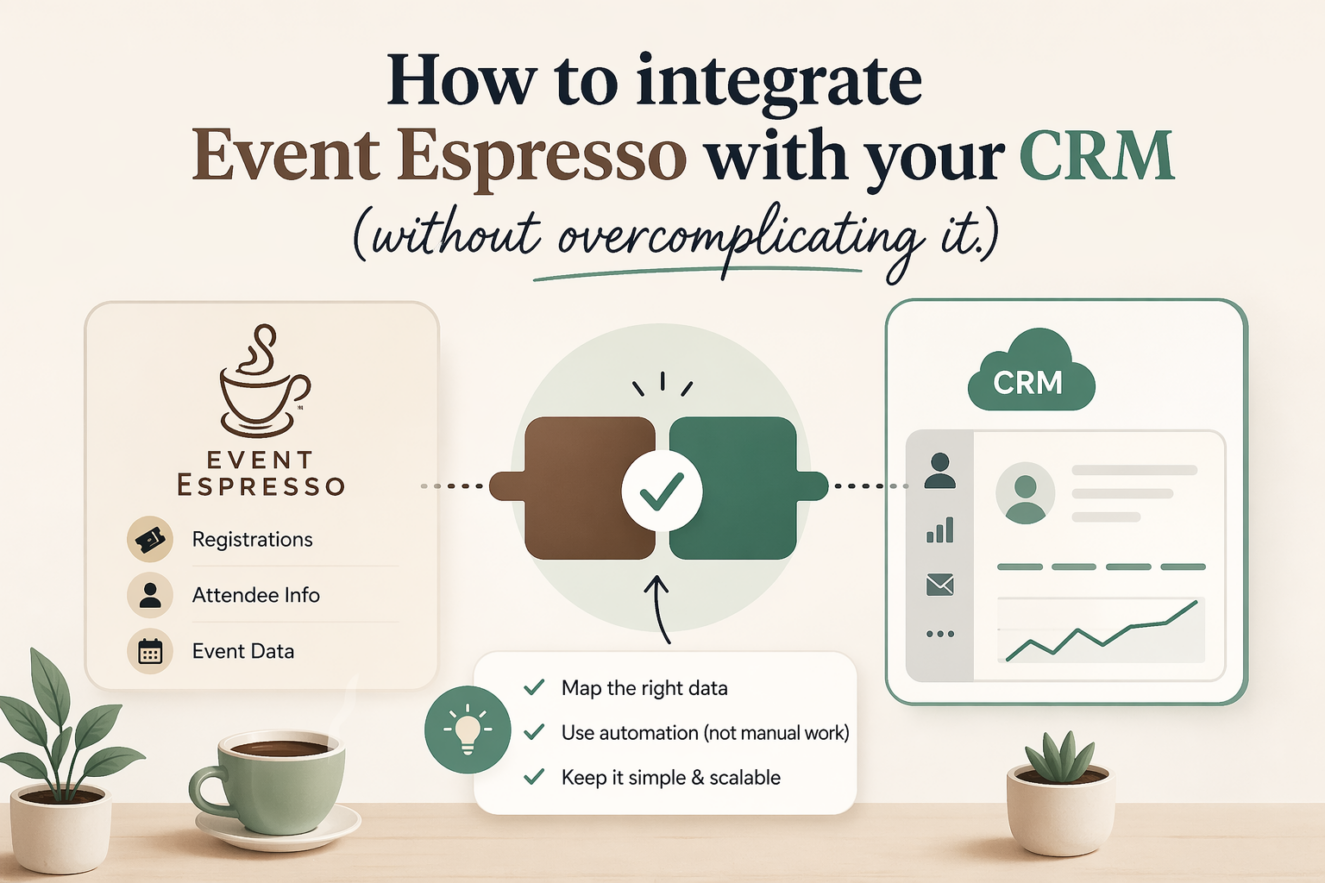
The cleanest way to run events is to separate responsibilities.
Event Espresso handles:
- registrations
- tickets
- payments
- transactional emails
Your CRM handles:
- reminders
- segmentation
- follow-ups
- ongoing communication
Once you accept that split, everything becomes simpler.
What a proper setup looks like
At a basic level, your flow should look like this:
- user registers for an event
- their details are captured
- those details are passed into your CRM
- the CRM handles communication from that point
This removes the need to manually manage reminders or follow-ups.
Where most integrations go wrong
Overcomplicating the setup
People often try to build complex workflows immediately.
Multiple tags, branching logic, automation chains.
Before the basics are working.
No clear purpose
If you don’t know what you want the CRM to do, the integration won’t help.
You don’t need automation for the sake of it.
You need it to solve specific problems.
Poor data structure
If your Event Espresso setup isn’t clean, your CRM data won’t be either.
That leads to:
- messy contact lists
- poor segmentation
- ineffective campaigns
Start simple
You don’t need a complex system to get value.
Start with one goal:
send better communication after registration
A simple, effective flow
- registration happens
- contact is added to CRM
- confirmation email (via Event Espresso)
- reminder email (via CRM)
- post-event follow-up
That alone solves most communication issues.
Choosing the right tool
There are plenty of options:
- Mailchimp
- FluentCRM
- ActiveCampaign
The tool matters less than how you use it.
Pick something you understand and can maintain.
What to automate first
Don’t try to automate everything.
Start with the highest impact areas.
1. Event reminders
This is the easiest win.
Send:
- one reminder 24 hours before
- one reminder a few hours before
This reduces no-shows immediately.
2. Post-event follow-up
After the event:
- thank attendees
- provide resources
- suggest next steps
This is where repeat engagement starts.
3. Basic segmentation
Even simple tagging helps:
- attended
- did not attend
- VIP ticket
This allows you to send more relevant communication later.
Why this matters
Without a CRM:
- you manually send reminders
- you forget follow-ups
- you lose repeat bookings
With a CRM:
- communication is consistent
- users know what’s happening
- your events feel organised
When to go further
Once the basics are working, you can expand:
- multi-event journeys
- targeted offers
- automated re-engagement
But only after the foundation is solid.
Quick wins you can apply today
- connect Event Espresso to a CRM or email tool
- create a simple reminder email
- add a post-event follow-up
- tag users based on attendance
Final thoughts
Event Espresso handles the transaction.
Your CRM handles the relationship.
Trying to combine both into one tool creates friction.
Separating them creates clarity.
Excerpt (for WordPress)
Learn how to integrate Event Espresso with your CRM to automate reminders, follow-ups, and attendee communication without overcomplicating your setup.